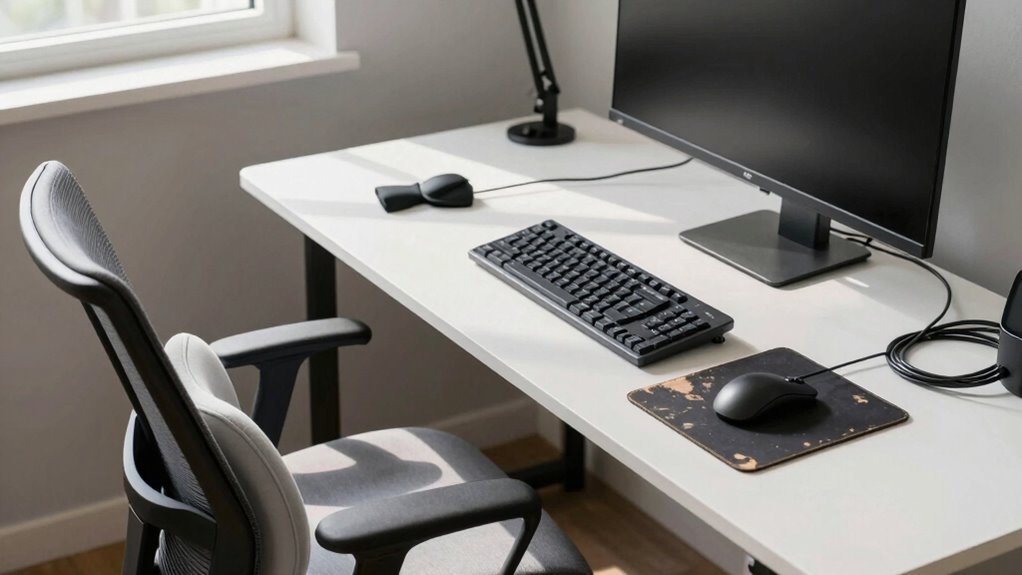

When shopping for an ergonomic desk setup bundle, avoid designs that prioritize flashy looks over essential support. Stay cautious of bundles that lack adjustable features, as they can cause discomfort and require frequent tweaks. Don’t overlook proper lumbar support, height adjustability, or accessories that fit your body’s needs. Focusing on functional features rather than aesthetics guarantees long-term comfort and health. Keep exploring to discover more ways to create a truly ergonomic workspace that lasts.

Get gifts for the two of you delivered free with Prime
- Fast, free delivery on millions of items
- Prime Video, Amazon Music and more included
- Member-only deals all year
Key Takeaways
- Avoid bundles that prioritize aesthetics over essential ergonomic features like adjustable height and lumbar support.
- Be cautious of products with limited or non-adjustable components that hinder personalized comfort.
- Watch out for overly complicated setups that may require frequent adjustments or cause discomfort.
- Don’t prioritize flashy designs; ensure the bundle offers key ergonomic support for long-term health.
- Verify that all accessories, like footrests and monitor risers, are adjustable and suit your specific body needs.
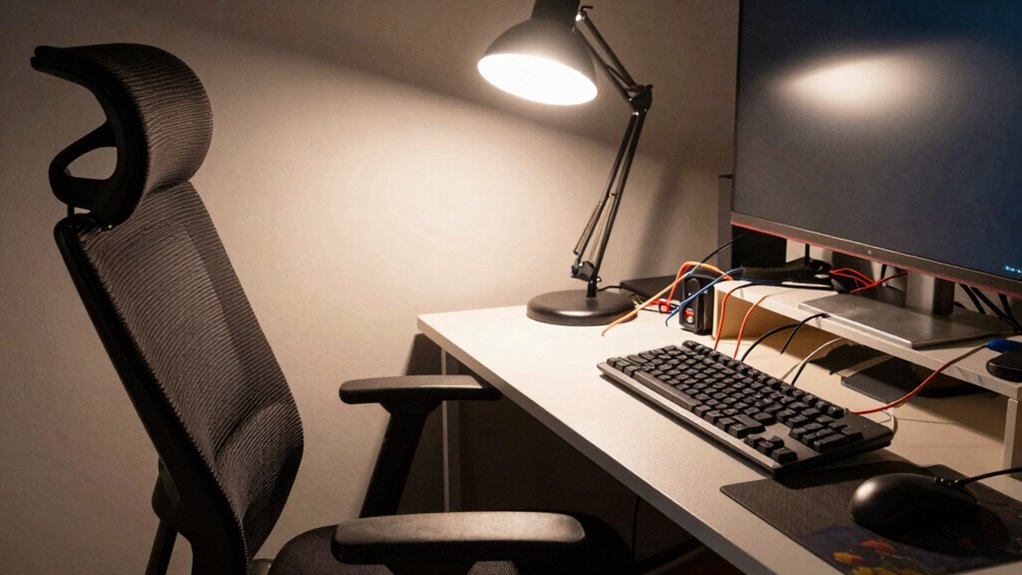
When shopping for an ergonomic desk setup bundle, it’s easy to fall into common traps that can undermine your comfort and productivity. One of the biggest mistakes is neglecting the importance of adjustable chair height. If the chair isn’t customizable, you might end up sitting too high or too low, causing strain on your back, neck, and shoulders. The right chair height ensures your feet are flat on the ground and your knees are at a 90-degree angle, promoting better circulation and reducing fatigue. Don’t assume that a one-size-fits-all chair will work; look for options that let you fine-tune the height to suit your body. Achieving a proper chair height is fundamental before moving on to other setup details. Proper posture alignment can significantly influence your comfort and health, so prioritize adjustable features that support this. Additionally, selecting a chair with lumbar support can help maintain the natural curve of your spine, further enhancing comfort during extended work sessions. Ensuring your workspace includes adjustable components allows for a truly personalized ergonomic experience, reducing the risk of discomfort over time. Incorporating ergonomic accessories such as footrests or monitor risers can also help you customize your setup and prevent strain. Understanding the ergonomic principles behind setup choices can significantly improve your workspace comfort and prevent long-term injuries. Many bundles tempt you with flashy features or sleek designs, but they often neglect these ergonomic essentials. Falling into this trap can leave you adjusting your setup repeatedly or experiencing discomfort after a few hours of work. Remember, the best ergonomic desk setup isn’t just about looking good; it’s about fitting your body’s needs. Take the time to verify that the chair height allows your feet to rest flat and that the keyboard position encourages a neutral wrist posture. These details may seem minor, but they’re critical in creating a workspace that promotes comfort, reduces strain, and boosts your productivity. Avoid the common traps, and prioritize adjustable features that allow you to customize your setup for ideal ergonomic benefits.
Popular right now

KitchenAid 5.5-Quart Bowl-Lift Stand Mixer, Porcelain White

KitchenAid Artisan 5-Quart Tilt-Head Stand Mixer, Almond Cream

Ninja Crispi Pro 6-in-1 Glass Air Fryer, Cyberspace, AS101CY
As an affiliate, we earn on qualifying purchases.
Frequently Asked Questions
How Do I Determine the Right Ergonomic Setup for My Body Type?
To determine the right ergonomic setup for your body type, focus on achieving proper posture alignment. Use ergonomic accessories like adjustable chairs, monitor stands, and keyboard supports to customize your workspace. Pay attention to how your body feels—your feet should rest flat, your knees at a 90-degree angle, and your wrists straight. Adjust your setup until you feel comfortable, supported, and free from strain, ensuring long-term comfort and health.
Are Budget-Friendly Ergonomic Bundles as Effective as Premium Options?
Did you know that budget-friendly ergonomic bundles can be surprisingly effective? While they might lack some premium features, they often meet core ergonomic needs. When comparing cost, consider that a lower price doesn’t always mean lower quality—check the brand reputation. A good budget option can provide proper support, but make certain it aligns with your specific needs to avoid sacrificing comfort and long-term health benefits.
What Are Common Signs My Current Desk Setup Is Causing Discomfort?
You might notice discomfort if your current desk setup isn’t promoting good posture correction. Common signs include muscle strain in your neck, shoulders, or back, and persistent aches after work. You may also feel fatigue or stiffness, which indicates your muscles aren’t supported properly. These signs suggest your setup isn’t ergonomic enough, and adjusting your workspace can help reduce muscle strain and improve overall comfort.
How Often Should I Adjust My Ergonomic Desk Components?
An ounce of prevention is worth a pound of cure. You should adjust your ergonomic desk components at least once a week to maintain proper posture correction. Regular tweaks ensure your desk accessories, like your monitor, keyboard, and chair, stay aligned with your body’s needs. Pay attention to any discomfort or strain, and don’t hesitate to make small adjustments—keeping your setup in tune helps avoid long-term issues.
Can Ergonomic Bundles Be Customized to Fit Specific Workspace Needs?
Yes, ergonomic bundles can be customized to fit your specific workspace needs. You should look for personalization options that allow you to select components tailored to your height, workspace size, and tasks. Also, check compatibility considerations to verify each item fits well with your existing desk and equipment. Customization helps optimize comfort and efficiency, making your workspace truly ergonomic and suited to your unique requirements.
Conclusion
Avoid these traps, or you might end up with an ergonomic nightmare that turns your workspace into a disaster zone! Don’t fall for flashy promises or cheap knock-offs that promise the moon but deliver chaos. If you ignore these warnings, your perfect setup could become a nightmare of discomfort and frustration, making every workday feel like a torture chamber. Stay vigilant, choose wisely, and transform your desk into a true haven of comfort—your back will thank you!